English original
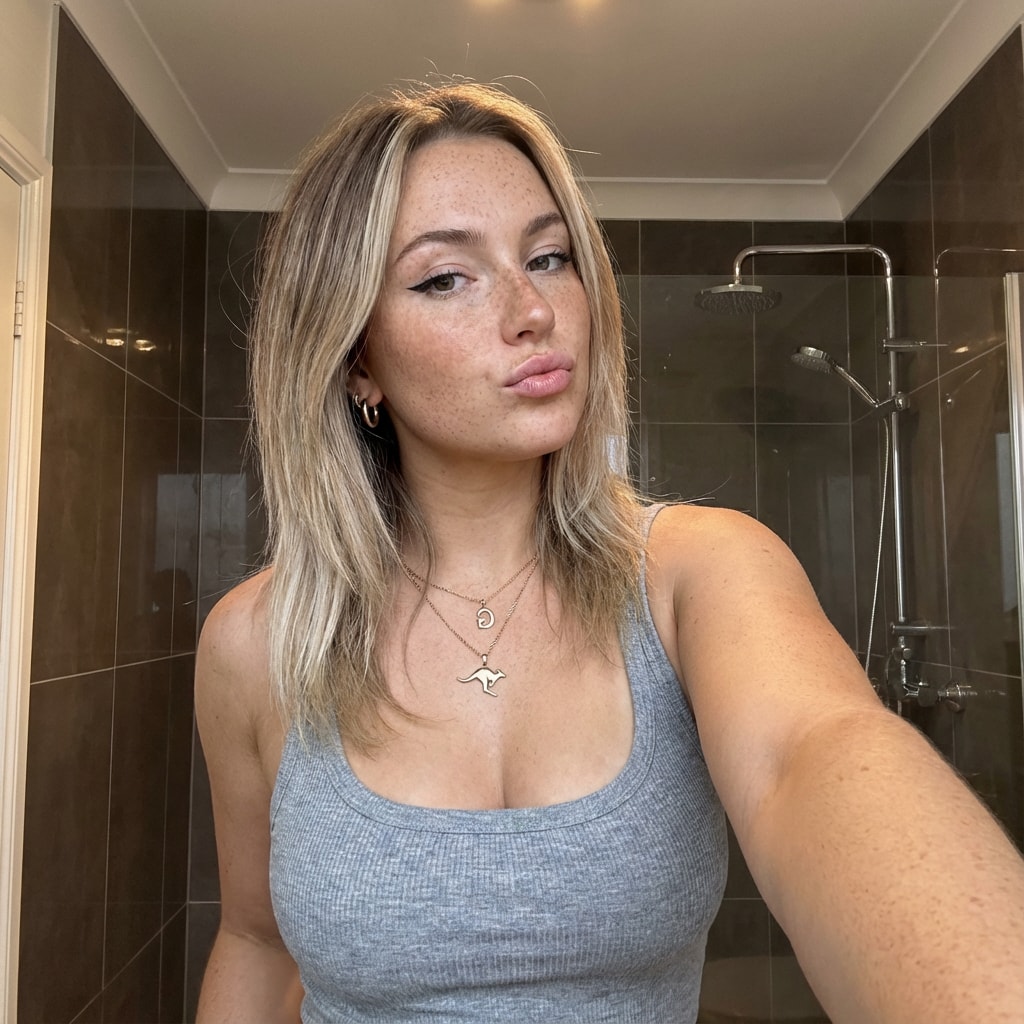
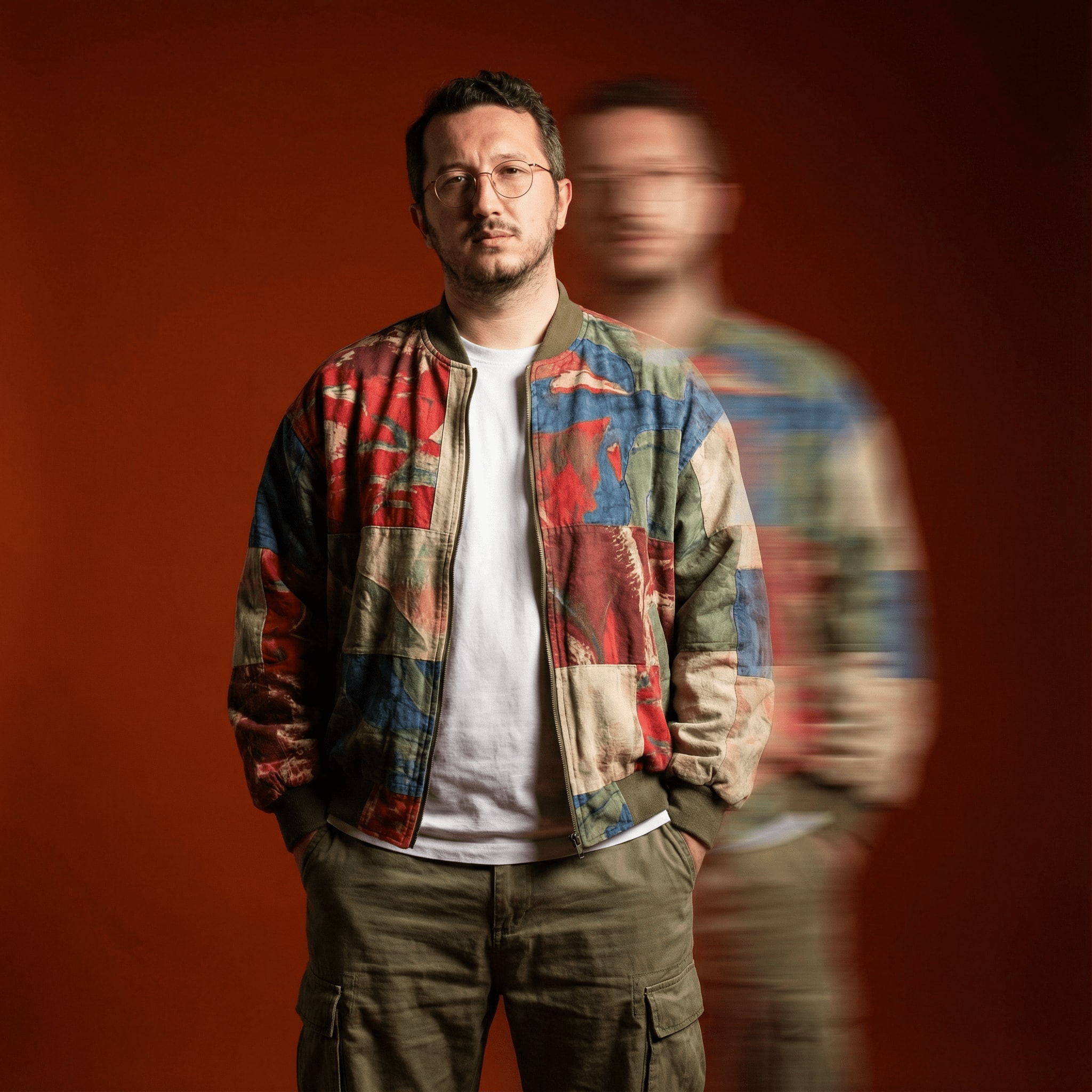
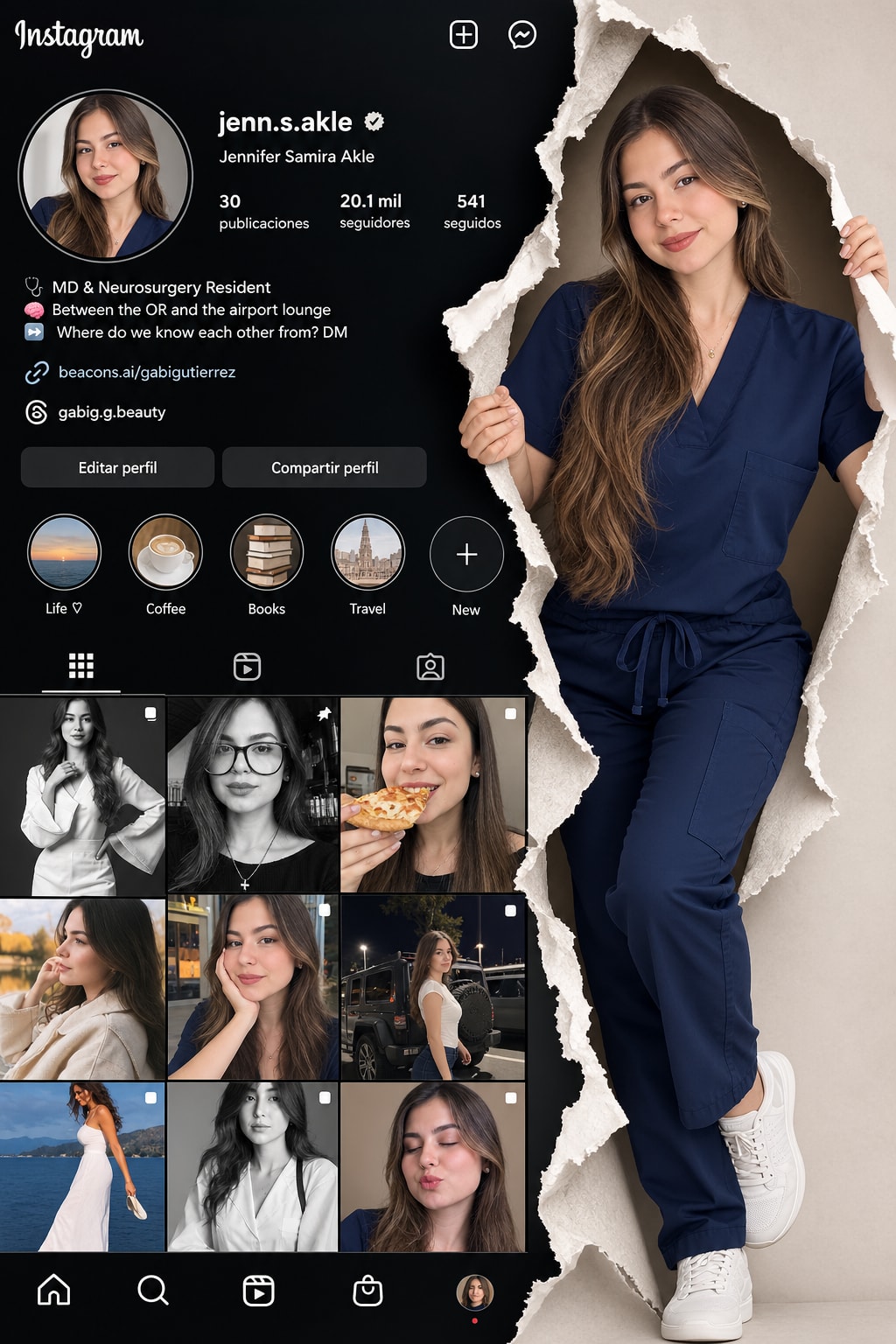
"Recreate this composition maintaining exactly the same style and visual structure, but replacing the specified elements: General Composition: Divide the image into two sections with a vertical torn paper effect in the center. Left side: Instagram profile interface with a circular profile picture at the top, username, stats (posts, followers, following), bio, links, action buttons, circular story highlights, and a post grid. Right side: Full-body figure of a standing person. Torn Paper Effect: Create an irregular torn paper edge separating both sections. The paper must have a realistic texture with shadows and depth. The person on the right side should appear 'emerging' through the tear. Elements to Replace: Background/UI Image (left side): Use the provided background image to recreate the Instagram interface, maintaining the same layout, typography, and structure. Person (right side): Use the provided face/model image to recreate the full-body figure, maintaining the pose of holding a cell phone and the standing position. Visual Style: Maintain a professional and modern aesthetic. Coherent colors between both sections. Natural and realistic lighting. Correct proportions and perspective."